Welcome to the Behaviour Smart Help Centre Files
Behaviour Smart Help Centre: Resources,
User Guides & Training Videos
Quick, confident behaviour and safeguarding recording support for your whole team.

Share an issue or question for the Behaviour Smart team to review and resolved.

Ask quick questions and get instant guidance from our support chatbot Sophie.

Book a time for a Behaviour Smart specialist to talk things through with you.

Go back to the Behaviour Smart homepage to access all features and resources.
Quicklinks
Share an issue or question for the Behaviour Smart team to review and resolved.
Ask quick questions and get instant guidance from our support chatbot Sophie.
Book a time for a Behaviour Smart specialist to talk things through with you.
Go back to the Behaviour Smart homepage to access all features and resources.
How to use the Behaviour Smart Help Centre
Select your Behaviour Smart package
Choose Behaviour Smart Plus, Lite or Care so staff see the resources that match the system your setting is using.
Watch short training videos
Use the help videos for quick demonstrations of key tasks such as logging behaviour, recording incidents and creating Smart Plans.
Download PDF user guides
Each guide walks staff step by step through common tasks so they can follow along at their own pace.
Share with your team
Add links to your internal staff handbook, induction pack or safeguarding training pages so that everyone knows where to go for support.
Ask for help when you need it
Use the Open Ticket, Arrange a Support Call or Behaviour Smart Chatbot options at the top of the page if you need personalised support.
Help Videos and User Guides
Overview of Behaviour Smart Plus
A high level walkthrough of the system and how it supports behaviour, SEN and safeguarding work.
How to set up Behaviour Smart
Shows how to configure Behaviour Smart Plus for your setting so that groups, roles and permissions are correct from day one.
Login and dashboard
Guides staff through logging in, finding their way around the dashboard and understanding the key tiles and reports they will use daily.
How to use the Behaviour Smart Behaviour Clicker
Demonstrates how to log classroom behaviour in seconds so that staff can focus on teaching while still building rich behaviour data.
How to log positive or negative behaviour
Shows how to record both positive and negative behaviour clearly, supporting a balanced, strengths based picture of each pupil.
How to record an incident (without physical intervention)
Step by step recording of an incident where no physical intervention was needed, with clear prompts to support safeguarding aligned practice.
How to record an incident involving physical or restrictive physical intervention
Demonstrates how to record an incident where an approved intervention was used, keeping language neutral and focused on safe practice and accurate reporting.
PDF user guides for Behaviour Smart Plus
Use the PDF guides alongside the videos or as standalone resources.
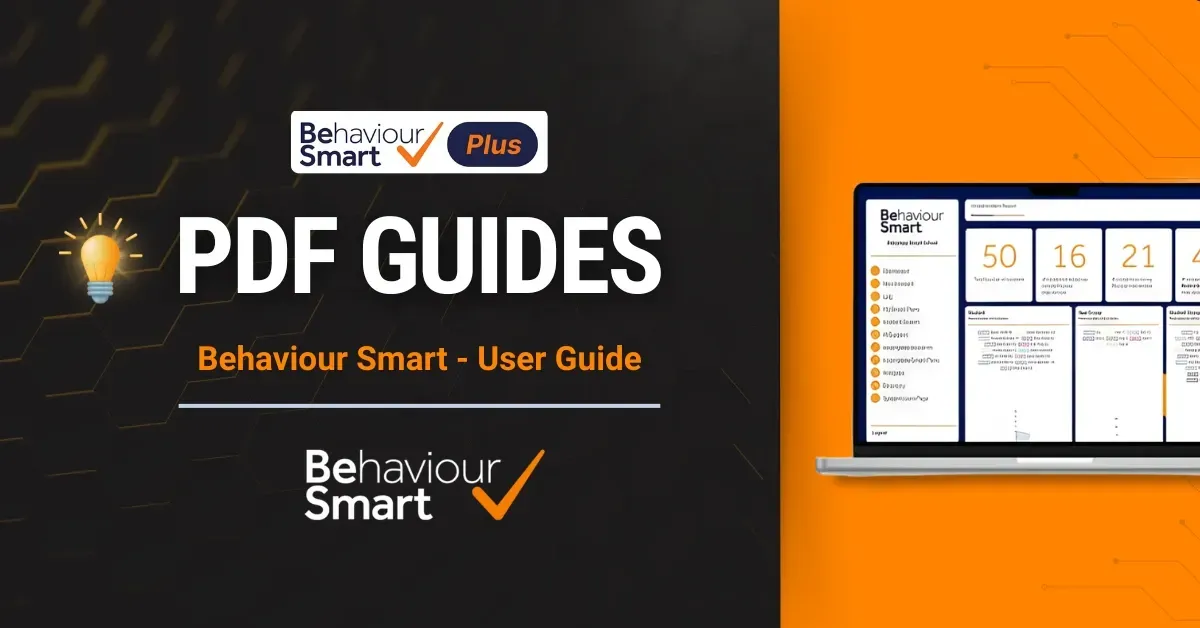
Behaviour Smart - User Guide
Full overview of key features and everyday workflows.
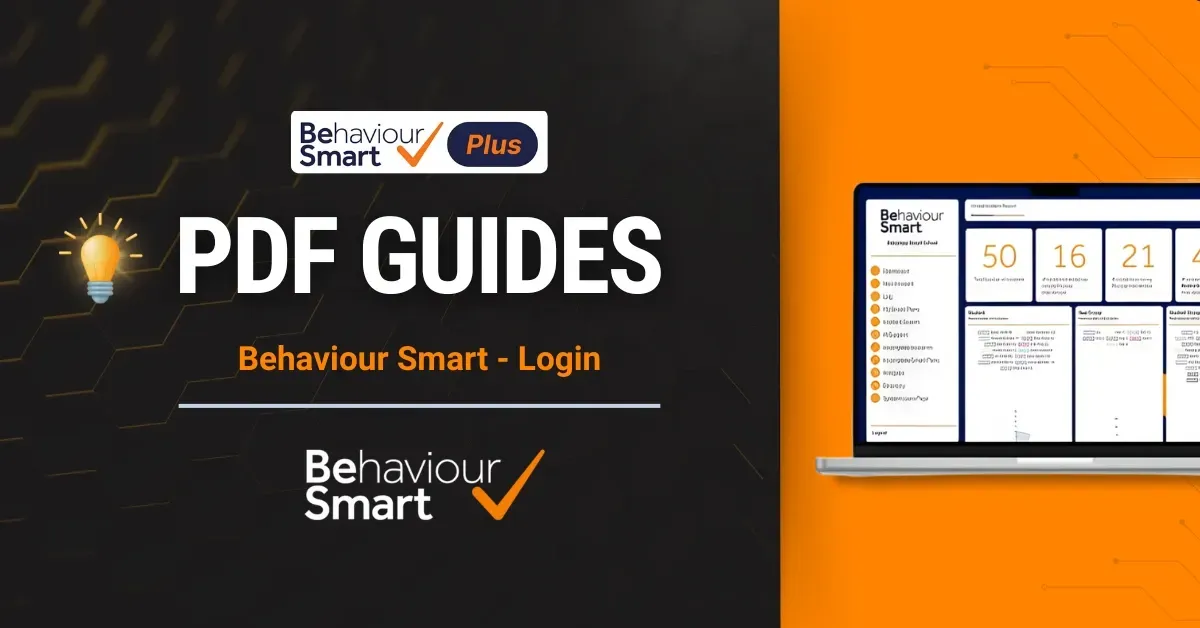
Behaviour Smart - Login
Step by step support for logging in securely and managing access.
Behaviour Smart - Dashboard
Helps leaders and staff interpret dashboards, filters and key metrics.
Behaviour Smart:
Writing an Incident Report
Guides staff through writing clear, factual, safeguarding aligned incident reports that support follow up and multi agency work.
Behaviour Smart:
Creating a Smart Plan
Explains how to build and review SMART behaviour plans that respond to identified needs and triggers.
Behaviour Smart:
Log a Positive Behaviour
Supports consistent recording of positive behaviour and achievements.
Behaviour Smart:
Incident Search
Shows how to locate, filter and review incidents for individual pupils, groups or whole school patterns.
Behaviour Smart:
Incomplete Incidents
Helps staff quickly find and complete any incidents that still need attention.
Behaviour Smart:
Analytics
Explains how to use charts and reports to identify trends, hotspots and times when extra support might be needed.
Behaviour Smart:
Directory
Covers managing pupils, staff, groups and locations in one place, with simple tools for searching, filtering and linking records to incidents, and reports.
Behaviour Smart:
Incomplete Smart Plans
Helps leaders track Smart Plans awaiting review or completion, keeping follow-ups timely and organised.
Behaviour Smart:
AI Support
Shows how to use Behaviour Smart AI support to interpret patterns and consider next steps, while keeping human professional judgement central.
Behaviour Smart Lite – videos and user guides
Quick start training videos for Lite
These videos are designed for mainstream school staff who need clear, practical guidance.
How to Setup Behaviour Smart Lite for Your School
A high level walkthrough of the system and how it supports behaviour, SEN and safeguarding work.
How to record an incident with Behaviour Smart Lite
Shows how to configure Behaviour Smart Plus for your setting so that groups, roles and permissions are correct from day one.
How Behaviour Smart creates effective behaviour plans.
Guides staff through logging in, finding their way around the dashboard and understanding the key tiles and reports they will use daily or we what we call Smart Plans.
How to log a positive behaviour with Behaviour Smart
Demonstrates how to log classroom behaviour in seconds so that staff can focus on teaching while still building rich behaviour data.
Behaviour Smart AI Support: Understanding Patterns and Next Steps
Shows how to record both positive and negative behaviour clearly, supporting a balanced, strengths based picture of each pupil.
What is Behaviour Smart & how does it improve behaviour
Step by step recording of an incident where no physical intervention was needed, with clear prompts to support safeguarding aligned practice.
PDF user guides for Lite
The same core PDF guides can be used to support Behaviour Smart Lite users, with a focus on:
Behaviour Smart: User Guide
Behaviour Smart: Login
Behaviour Smart: Dashboard
Behaviour Smart:
Writing an Incident Report
Behaviour Smart:
Creating a Smart Plan
Behaviour Smart:
Log a Positive Behaviour
Behaviour Smart:
Incident Search
Behaviour Smart:
Incomplete Incidents
Behaviour Smart:
Analytics
Behaviour Smart:
Directory
Behaviour Smart:
Incomplete Smart Plans
Behaviour Smart:
AI Support
The Behaviour Smart Help Centre brings together all your training videos, PDF user guides and support options in one place.
Whether you are a headteacher, SENCO, behaviour lead, AP manager or children’s home manager, this page is designed to help your team get confident with Behaviour Smart quickly and keep your behaviour and safeguarding records consistent, clear and inspection ready.

Show new staff how to log behaviour and record incidents clearly and consistently.

Build staff confidence in using analytics, Smart Plans and AI support to inform decisions.

Support Ofsted readiness with clear, robust behaviour and safeguarding records
Choose your Behaviour Smart package

Behaviour Smart Lite
Behaviour Smart Lite gives mainstream schools the core tools they need to log behaviour and record incidents simply, clearly, consistently and safely
Record behaviour incidents and repeat low-level behaviour
Record discriminatory, prejudiced and other concerning behaviours
Log positive, distressed and notable behaviours
Record suspensions, exclusions, post incident learning and injuries

Behaviour Smart Plus
Behaviour Smart Plus is designed for schools and trusts that need advanced behaviour recording, incident reporting, analytics and SMART planning tools.
Record detailed behaviour incidents in line with current guidance, including incidents involving physical intervention
Capture low-level, repeat, discriminatory, prejudiced and other behaviours
Log positive, distressed and notable behaviours that feed into Smart Plans
Use detailed incident analytics, plus e-Smart access and 24/7 staff support

Behaviour Smart Care
Behaviour Smart Care supports children’s homes and care providers to record behaviour and safeguarding concerns in a structured, trauma informed way.
Record detailed behaviour and safeguarding incidents, including incidents involving physical intervention and missing from home
Capture low-level, repeat, discriminatory, prejudiced and other behaviours
Log sanctions and rewards alongside distressed and notable behaviours
Use detailed incident analysis with access to e-Smart and 24/7 staff training and support
Frequently Asked Questions
1. Who is the Behaviour Smart Help Centre for?
The Help Centre is for all Behaviour Smart customers, including schools, multi academy trusts, alternative provisions and children’s homes. Leaders and frontline staff can use the page to access training videos, PDF guides and support options whenever they need them.
2. How often are the videos and user guides updated?
Resources are reviewed and updated when new features are released or workflows change. If you ever notice that a video or guide does not match what you see on screen, you can open a support ticket to let the team know, and they will advise you on any changes.
3. Do staff need a Behaviour Smart login to use these resources?
Staff do not need to be logged into Behaviour Smart to watch the videos or open the PDF guides, but they do need their usual Behaviour Smart login details to access the software itself.
Many schools link this Help Centre from their staff handbook or induction materials so new staff can learn about Behaviour Smart before they are given full access.
4. How does Behaviour Smart support safeguarding and statutory duties?
By recording behaviour and incidents clearly and consistently, Behaviour Smart helps schools and settings meet their duties to safeguard children and promote their welfare, as outlined in statutory guidance such as Keeping Children Safe in Education and DfE Behaviour in Schools guidance.
Analytics and Smart Plans can also support leaders in monitoring patterns, identifying pupils who may need early help and evidencing the impact of interventions.
5. Can I use these guides in staff training and induction?
Yes. Schools, APs and children’s homes are encouraged to use the videos and guides in staff meetings, INSET days, supervision and induction. You can embed links into your internal training pages so staff always have a single, reliable place to return to when they need a reminder.
It can also be included in CPD or new-starter induction so everyone receives the same consistent guidance.
6. What should I do if I still cannot find the answer I need?
If the Help Centre does not answer your question:
• Use the Behaviour Smart Chatbot for quick help
• Open a support ticket with details of your query
• Arrange a support call if you would like a member of the team to walk you through a process live
The support team can also signpost you to any new or specialist resources that are not yet listed on this page.
AI-powered behaviour management and the #1 behaviour tracking app for UK schools.


© Copyright 2019 - 2025 Behaviour Smart Ltd.
All Rights Reserved.


© Copyright 2019 - 2026 Behaviour Smart Ltd.
All Rights Reserved.
AI-powered behaviour management and the #1 behaviour tracking app for UK schools.